
Key facts
- Brand
- Lenovo
- Model
- Y650
- Industry
- Electronics
- Documents
- 2
- Languages
- EN
- Last added
- 2012-05-02
Start here
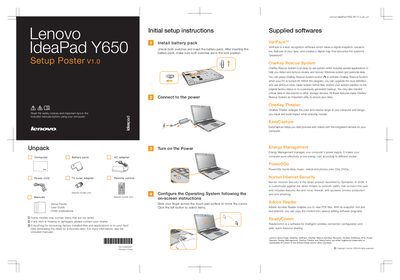
Lenovo IdeaPad Y650 SP Quick Start Guide
The guide provides step‑by‑step initial setup instructions for the IdeaPad Y650 SP, including unpacking, installing the battery pack, configuring OneKey Rescue System, using OneKey Theater, EasyCapture, and Energy Management features. It also explains the purpose of the included software such as VeriFace and the AA Power2Go utility.
The second part describes the functions of the notebook’s buttons and keys, such as the power button, OneKey Rescue System button, integrated camera toggle, wireless radio switch, volume controls, and display settings. It notes the LED backlight technology of the LCD and gives safety and warranty reminders.
All Lenovo Y650 documents by type
Day-to-day operation, settings and troubleshooting. Start here if the product is already set up.
The shortest path to a working setup, usually only a few pages.
Questions answered in these manuals
How do I activate OneKey Rescue System?
Press the OneKey Rescue System button when the PC is turned off to start the recovery utilities.
How can I disable the wireless radio on the laptop?
Use the integrated wireless device switch to turn off the wireless radio for all wireless devices.