
This document provides instructions for installing and setting up the Lenovo IdeaPad Y650 SP V1.0_en_p1, as well as information about the included software and manuals. The software includes Energy Management, Power2Go, Norton Internet Security, and Adobe Reader.
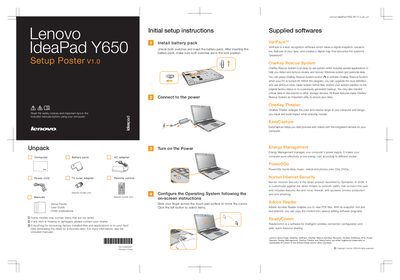
The guide provides step‑by‑step initial setup instructions for the IdeaPad Y650 SP, including unpacking, installing the battery pack, configuring OneKey Rescue System, using OneKey Theater, EasyCapture, and Energy Management features. It also explains the purpose of the included software such as VeriFace and the AA Power2Go utility.
The second part describes the functions of the notebook’s buttons and keys, such as the power button, OneKey Rescue System button, integrated camera toggle, wireless radio switch, volume controls, and display settings. It notes the LED backlight technology of the LCD and gives safety and warranty reminders.
| LCD backlight type | LED |
|---|---|
| Part number | 148000827 |
Press the OneKey Rescue System button when the PC is turned off to start the recovery utilities.
Use the integrated wireless device switch to turn off the wireless radio for all wireless devices.
The LCD uses LED backlight technology, which is more energy‑saving than CCFL.