
Key facts
Start here
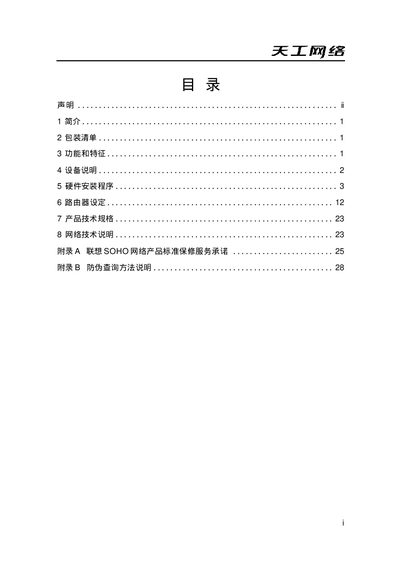
Lenovo LSR-140 Router User Manual
This manual provides a complete guide for the Lenovo LSR-140 SOHO router, covering hardware description, installation steps, and configuration procedures. It is intended for small‑office and home users who need to set up broadband sharing, LAN switching, firewall, DHCP and web management.
The document also includes product technical specifications, warranty information and anti‑counterfeit verification methods, helping users maintain and troubleshoot the device safely. This manual is written in Chinese.
Lenovo LSR-140 specifications
| LAN ports | 4 |
|---|---|
| WAN port | 1 |
| Power indicator | On when powered |
| Speed indicator | 100M mode when lit |
| Operating voltage | AC 200V‑230V |
| Operating temperature | 5°C‑55°C |
All Lenovo LSR-140 documents by type
Day-to-day operation, settings and troubleshooting. Start here if the product is already set up.
Questions answered in these manuals
How many LAN ports does the LSR-140 have?
The router provides four LAN ports.
How do I reset the router to factory defaults?
Press and hold the Reset button for 20 seconds until the System LED changes to a steady flash.
What is the default IP address for the router?
The default gateway IP address is 192.168.1.1.
How do I reset the router?
Press and hold the Reset button for 20 seconds until the System light changes from alternating flashes to flashing once per second.