
This document introduces the use of DVD players, including playback, pause, fast forward, rewind, slow motion, and chapter switching.
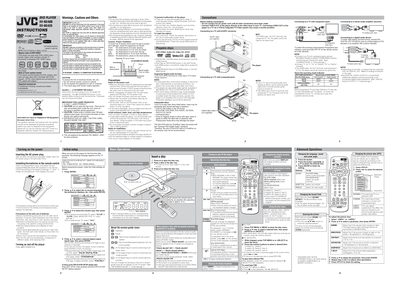
This manual covers the basic setup of the JVC XV‑N340B and XV‑N342S DVD players, including power connection, remote‑control battery installation, and initial language and picture settings. It also details safety warnings, disposal instructions, and proper ventilation requirements.
The guide explains how to operate the player, insert and play various disc types, adjust playback settings, and connect audio/video outputs such as SCART, component, and digital coaxial. Menu‑bar functions, track‑adjust, and advanced features like digital audio output are described for both DVD‑Video and other supported formats.
| Color system | PAL (NTSC conversion supported) |
|---|---|
| Supported digital audio formats | Linear PCM, MPEG Multichannel, Dolby Digital, DTS |
| Standby power consumption | 1.0 W |
Connect the DIGITAL OUT (coaxial) jack to a Dolby Digital or DTS decoder or an amplifier that has a built‑in decoder.
Press the a/v button to select the desired language, then press ENTER.