
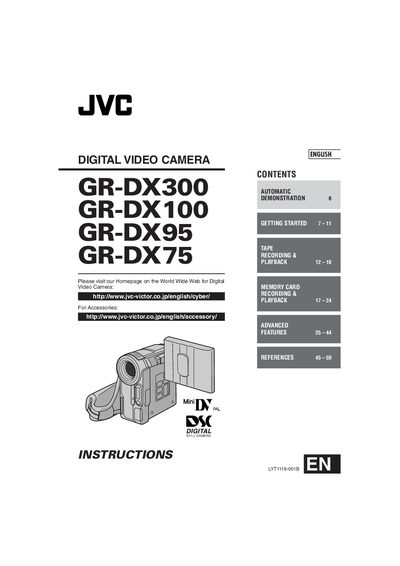
This manual covers the JVC GR‑DX300, GR‑DX100, GR‑DX95, and GR‑DX75 digital video cameras. It begins with safety precautions, lists the supplied accessories, and walks the user through basic operations such as power on/off, grip adjustment, viewfinder setup, tripod mounting, and loading or unloading a cassette.
Later sections describe memory‑card recording and playback, advanced features like automatic demonstration, self‑timer, night‑scope, and editing functions, as well as detailed battery‑pack charging instructions, AC‑adapter usage, troubleshooting tips, and full specifications of the camcorder.
| Battery pack model | BN‑V107U (also BN‑V114U, BN‑V856U optional) |
|---|---|
| Battery charging time | ≈ 1 hr 30 min (BN‑V107U), ≈ 3 hr (other packs) |
| AC adapter voltage range | 110 V – 240 V (automatic selection) |
| Recording time with BN‑V107U | LCD monitor: 5 min, Viewfinder: 1 hr 25 min |
| Charging temperature range | 10 °C – 35 °C (ideal 20 °C – 25 °C) |
Charging the BN‑V107U pack takes about 1 hour 30 minutes, while other packs take roughly 3 hours.
The supplied AC adapter automatically selects voltage from 110 V to 240 V.