
Key facts
- Brand
- Haier
- Model
- PZ16E101
- Category
- Other Electronics
- Industry
- Electronics
- Documents
- 2
- Languages
- ZH · EN
- Last added
- 2026-10-14
Start here
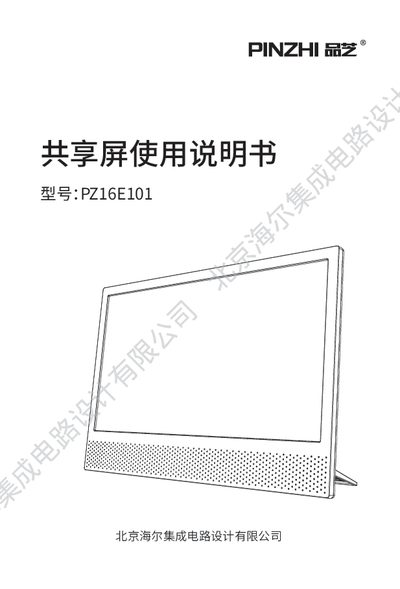
Haier PZ16E101 Shared Screen User Manual
The Haier PZ16E101 is a portable 15.6-inch LCD shared screen designed for displaying content from mobile devices and computers. It supports Android and iOS screen mirroring, screen casting from mobile apps, and HDMI input for connecting to PCs or set-top boxes. The device also features a live TV function and a USB interface for playing multimedia files from flash drives. This manual is written in Chinese.
Read onlineHaier PZ16E101 specifications
| Screen Size | 15.6 inches |
|---|---|
| Storage Capacity | 1Gb DDR, 1Gb Flash |
| Protocols | Miracast, DLNA, Airplay |
| Input Interfaces | USB x1, HDMI x1 |
| Power Interface | Type-C |
All Haier PZ16E101 documents by type
Day-to-day operation, settings and troubleshooting. Start here if the product is already set up.
Questions answered in these manuals
Can I play multimedia files from a USB drive?
Yes, the shared screen supports playing multimedia files such as images, music, and videos from a USB drive.
What are the supported screen mirroring protocols?
The device supports Miracast, DLNA, and Airplay protocols for screen mirroring.
How do I connect a mobile phone to the shared screen using Miracast?
Select the Miracast item from the main menu on the screen, then turn on the wireless display function on the phone; the phone will automatically search for the device named PINZHI_9465 and connect to it.
What warranty coverage does the shared screen have?
The product includes a 7‑day return/repair period, a 15‑day exchange/repair period, and a 1‑year warranty from the date of purchase, with several exclusions listed.