
Fujitsu STRDESIGN V18 Installation Manual

This is a manual on how to install Fujitsu STRDESIGN software
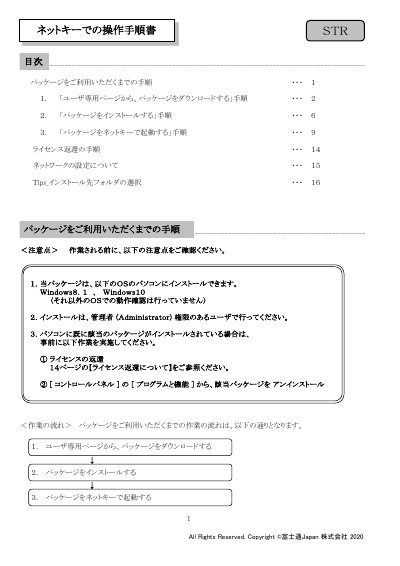

Fujitsu STRDESIGN V18 Installation Manual - cover page
Brand
Fujitsu
Document type
User Manual
Language
Japanese
Pages
16
File format
PDF
File size
2.3 MB
Published
16 October, 2023
Updated
16 October, 2023
MD5 checksum
0DCE281706B4B6CEB3959F7AFCBD7FEE

About this manual

This manual provides step-by-step instructions for installing the Fujitsu STRDESIGN V18 software package on Windows 8.1 or Windows 10 systems. It covers downloading the installer from the user portal, running the installation wizard, and configuring the software environment. This manual is written in Japanese.

What's inside

  • Download Procedure
  • Installation Procedure
  • Activation with NetKey
  • License Return Procedure
  • Network Settings
  • Tips for Installation Folder Selection

Frequently asked questions

How do I return the license if I change my computer?

You must return the NetKey before changing computer-specific information like the OS or hardware.

What happens to the desktop and start menu after installation completes?

A shortcut icon for STRDESIGN V18 is created on the desktop, and a menu entry is added to the start menu.

Download PDF (2.3 MB)

More Fujitsu Manuals


View all Fujitsu manuals →