
Quick guide for the Epson WF-2760 multifunction printer covering control panel use, paper loading, network troubleshooting, and warranty.
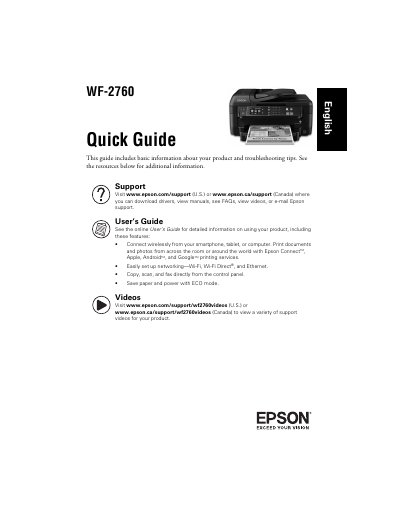
This quick guide provides basic information and troubleshooting tips for the Epson WF-2760 multifunction printer. It describes control panel icons, paper loading, network problem checks, and where to find the online User's Guide, support, and videos.
The guide also includes an FCC declaration of conformity and Epson America limited warranty terms for products purchased and operated in the United States, Canada, or Puerto Rico.
| Product type | Multifunction printer |
|---|---|
| FCC device class | Class B digital device |
| FCC model number | C531B |
| Limited warranty | 1 year |
Visit www.epson.com/support (U.S.) or www.epson.ca/support (Canada) to download drivers, view manuals, see FAQs, view videos, or e-mail Epson support.
Load high-quality paper printable side down, short edge first, with edge guides against the paper and without extending past the cassette end; then select paper size and type on the control panel.
Check LCD messages, confirm the router works with another device, restart the router, verify network settings and signal strength, print a network status sheet, or reinstall the product software.