
This is an instruction manual for the intelligent controller, which includes safety instructions, product warnings and cautions, usage notes, product accessories, product name and model number.
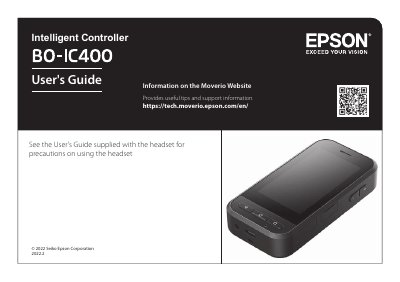
The Epson BO-IC400 Intelligent Controller connects to Epson MOVERIO series smart glass headsets that have USB Type-C connectors. An app is used to display and share information; the MOVERIO series has see-through lenses for AR overlays on the actual surroundings.
The User's Guide covers safety instructions, part names, charging, turning on and off, Wi-Fi/Bluetooth settings, SD card insertion, headset connection, mode switching, trackpad operation, MOVERIO Link Pro, initial startup settings, app installation, system updates, maintenance, troubleshooting, and specifications.
| Supported headset connector | USB Type-C |
|---|---|
| Wireless functions | Bluetooth and wireless LAN |
It supports MOVERIO series models with USB Type-C connectors.
Make sure your system software is up to date before using the product.
Turn off the power immediately, and contact your local dealer or the Epson service call center.
MOVERIO Link Pro is introduced in the guide.