
Intelligent Controller User Manual describes how to connect the controller to EPSON Smart Glass MOVERIO series and how to use the application to display and share information.
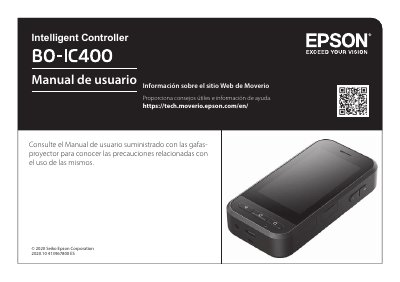
The Epson IC-400 Intelligent Controller connects to Epson MOVERIO smart glasses projector models and works with an application to display and share information. It supports devices with USB Type-C connectors.
This Spanish user manual provides safety instructions, basic operating methods, parts names, Wi-Fi and Bluetooth setup, SD card insertion, camera operation, MOVERIO Link Pro setup, troubleshooting, and product specifications. This manual is written in Spanish.
| Connector type | USB Type-C |
|---|---|
| Memory card slot | microSD |
| Audio connector | headphone connector |
It connects to Epson MOVERIO smart glasses projector series.
It is a controller that connects to Epson MOVERIO series glasses projectors and uses an application to display and share information.
It supports models with USB Type-C connectors.
A commercially available USB power adapter certified to public safety standards and meeting this product's specifications.