
Key facts
Start here
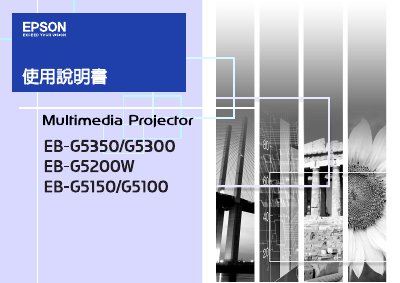
Epson EB-G5350/G5300/G5200W/G5150/G5100 Multimedia Projector User Manual
This is the user manual for Epson EB-G5350/G5300, EB-G5200W, and EB-G5150/G5100 multimedia projectors. The title page identifies the product line as multimedia projectors.
The manual includes model-specific sections and covers connections such as USB, LAN, and Wi-Fi, plus Quick Corner adjustment and bundled EPSON Projector Software for Meeting & Presentation with EasyMP. This manual is written in Japanese.
Epson EB-G5350 specifications
| Projection distance models | EB-G5350 / G5300 / G5150 / G5100 and EB-G5200W |
|---|---|
| Optional lenses | Five optional lenses |
| Ceiling mount fixing points | 4 points |
| USB Display connection | USB cable connection to a Windows computer |
| Media playback without a computer | JPEG images, short movies and scripts from SD cards or USB devices |
Source: EPSON EB-G5350/G5300 EB-G5200W EB-G5150/G5100 multimedia liquid crystal Projector Manual
All Epson EB-G5350 documents by type
Day-to-day operation, settings and troubleshooting. Start here if the product is already set up.
Questions answered in these manuals
Which projector models are covered by this manual?
The manual covers the Epson EB-G5350, EB-G5300, EB-G5200W, EB-G5150 and EB-G5100 projectors.
From: EPSON EB-G5350/G5300 EB-G5200W EB-G5150/G5100 multimedia liquid crystal Projector Manual
Can the projector display content without a computer?
Yes. JPEG images, short movies and scripts stored on an SD card or USB device can be projected without a computer.
From: EPSON EB-G5350/G5300 EB-G5200W EB-G5150/G5100 multimedia liquid crystal Projector Manual
Which projector models does this manual cover?
It covers EB-G5350/G5300, EB-G5200W, and EB-G5150/G5100.
From: Epson EB-G5350/G5300/G5200W/G5150/G5100 Multimedia Projector User Manual
Who is the copyright holder of the manual?
Seiko Epson Corporation.
From: Epson EB-G5350/G5300/G5200W/G5150/G5100 Multimedia Projector User Manual