
Key facts
Start here
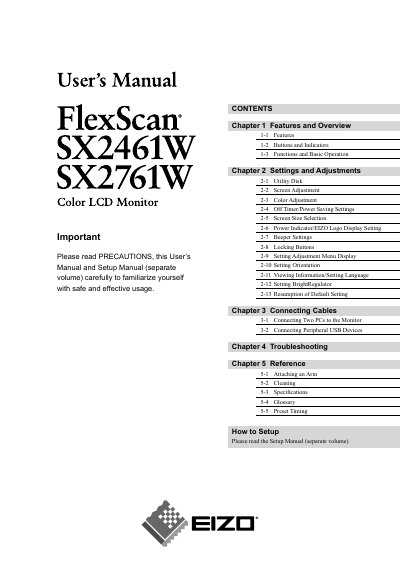
EIZO FlexScan L3451 User Manual
The EIZO FlexScan SX2461W (24.1 inch class) and SX2761W (27.0 inch class) are color LCD monitors with wide screen format panels, dual DVI-I inputs and HDCP support. The manual describes the buttons and indicators, basic operation and the Adjustment menu (ScreenManager).
The settings chapters cover screen adjustment for analog and digital input, FineContrast color modes, off timer and power saving, screen size, beeper, button locking and orientation. Later chapters cover connecting two PCs and USB peripherals, troubleshooting, attaching an arm, cleaning, specifications, glossary and preset timing.
EIZO SX2461W specifications
| Screen size | 24.1 inch class (SX2461W) / 27.0 inch class (SX2761W) |
|---|---|
| Resolution | 1920 dots x 1200 lines |
| Horizontal scan frequency | Analog 24 - 94 kHz; Digital 31 - 76 kHz |
| Vertical scan frequency | Analog 49 - 86 Hz |
| Input connectors | Dual-input compliant (DVI-I x2 connectors) |
| HDCP | Applicable to HDCP |
| Effective pixels | 99.9994% or higher |
| Display orientation | Portrait/Landscape display available (rotate 90 degrees clockwise) |
Source: EIZO FlexScan L3451 User Manual
All EIZO SX2461W documents by type
Day-to-day operation, settings and troubleshooting. Start here if the product is already set up.
Questions answered in these manuals
What is the resolution of the EIZO FlexScan SX2461W/SX2761W?
The monitor displays 1920 dots x 1200 lines.
What do the power indicator colors mean?
Blue means the screen is displayed, orange means power saving and off means power off.
How do I reset the monitor to its default settings?
Select the ‘Reset all settings’ option in the menu (see page 20).
How can I change the screen size setting?
Use the ‘Screen Size’ menu item to select a different screen size.