
Key facts
Start here
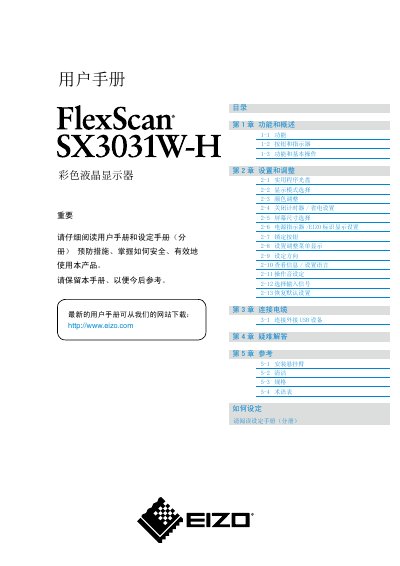
EIZO SX3031W-H Display User Manual
This manual covers the basic functions, menu navigation, and adjustment options for the EIZO SX3031W-H color LCD monitor. It includes detailed instructions for selecting display modes, adjusting color, setting power‑saving timers, and configuring language and on‑screen menus.
Additional sections address cable connections, troubleshooting, cleaning procedures, specifications, and a glossary of terms. Safety warnings and recommended usage practices are also provided to help maintain image quality and prolong the display’s lifespan. This manual is written in Chinese.
EIZO SX3031W specifications
| Screen size | 29.8 inches |
|---|---|
| Resolution | 2560 x 1600 (WQXGA) |
| Horizontal scan frequency | 31 – 100 kHz |
| Effective pixel percentage | 99.9994% or higher |
| HDCP support | Yes |
| Input connectors | Dual DVI‑D (digital) connectors |
All EIZO SX3031W documents by type
Day-to-day operation, settings and troubleshooting. Start here if the product is already set up.
Questions answered in these manuals
How do I reset the monitor to its default settings?
Select the "恢复默认设置" (Restore Default Settings) option in the adjustment menu.
What cleaning precautions should I follow?
Do not press hard on the screen, avoid using pencils or sharp objects, and do not wipe with paper towels to prevent scratches.
What is the native resolution of the Eizo SX3031W monitor?
The monitor’s native resolution is 2560 × 1600.
Does the SX3031W support dual DVI‑D inputs?
Yes, it provides dual DVI‑D digital input ports with Dual‑Link support.