
Key facts
Start here
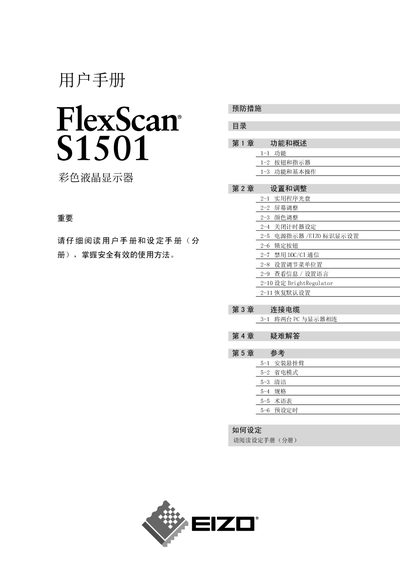
EIZO FlexScan S1501 Color LCD User Manual
This manual covers safety symbols and precautions, explaining the meaning of warning, caution and prohibition icons to ensure safe use of the FlexScan S1501 monitor. It also details installation requirements, grounding, and handling instructions to prevent damage or injury.
The guide describes the monitor’s functions, basic operation, color adjustment, BrightRegulator settings, and how to enable or disable DDC/CI communication. Reference tables and a FAQ section help users troubleshoot common issues. This manual is written in Chinese.
EIZO S1501 specifications
| Effective pixel percentage | 99.9994% or higher |
|---|---|
| Resolution | 1024 x 768 |
| Minimum refresh rate | 60.0 Hz |
All EIZO S1501 documents by type
Day-to-day operation, settings and troubleshooting. Start here if the product is already set up.
Questions answered in these manuals
What do the warning symbols in the manual indicate?
The warning symbols mark important information that, if ignored, could cause serious injury or damage.
Can DDC/CI communication be disabled on the FlexScan S1501?
Yes, the manual includes a section titled “禁用 DDC/CI 通信” that explains how to disable DDC/CI communication.
How often should I rest my eyes while using the monitor?
Take a 10‑minute break every hour to reduce eye fatigue.
Can the monitor be used in a humid environment?
No – the manual advises not to place the monitor in a dusty or humid environment.