
Key facts
Start here
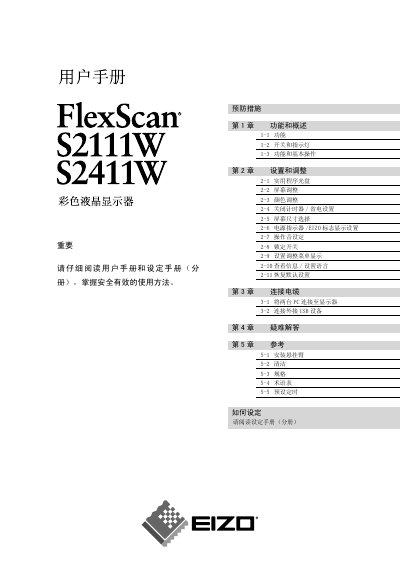
EIZO S2111W/S2411W Display User Manual
User Manual 44 pages · 2.1 MB · ZH
This manual covers safety precautions, basic operation, and detailed adjustment settings for the EIZO S2111W and S2411W LCD monitors. It includes instructions for connecting PCs, USB devices, and mounting arms, as well as cleaning and maintenance tips.
Additional sections provide a full specifications table, a glossary of terms, and a troubleshooting guide to help resolve common issues such as power problems or display anomalies. This manual is written in Chinese.
EIZO S2111W specifications
| Native resolution | 1680 × 1050 (S2111W) / 1920 × 1200 (S2411W) |
|---|---|
| Effective pixel percentage | 99.9994 % or higher |
| Analog video input | RGB, 0.7 Vp‑p |
All EIZO S2111W documents by type
User Manual 2
Day-to-day operation, settings and troubleshooting. Start here if the product is already set up.
Questions answered in these manuals
How do I restore the monitor to its default settings?
Select the “Restore Default Settings” option in the settings menu (section 2‑11).
What should I do if the monitor starts smoking or emits a burning smell?
Immediately disconnect all power connections and contact an authorized service technician.