
Key facts
Start here
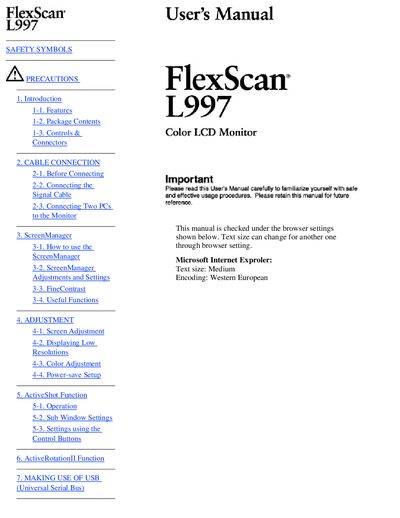
EIZO FlexScan M1997 color LCD user manual
This manual begins with safety symbols, precautions, and an introduction to the FlexScan L997, covering features, package contents, and connector descriptions. It then guides users through cable connections, screen management functions, adjustment settings, and special features such as ActiveShot and ActiveRotationII.
Later sections explain USB usage, arm attachment, troubleshooting, cleaning, specifications, and recycling information, ensuring safe handling, proper maintenance, and compliance with regional regulations.
All EIZO L997 documents by type
Day-to-day operation, settings and troubleshooting. Start here if the product is already set up.
Questions answered in these manuals
How should the monitor be cleaned safely?
Unplug the unit before cleaning it to avoid electric shock.
What should I do if the device starts smoking or emits a burning smell?
Immediately disconnect the power and contact the seller for assistance.
How should I clean the screen safely?
Unplug the power plug before cleaning the display to avoid electric shock.