
This manual introduces the features and usage methods of the EIZO FlexScan L3451 liquid crystal display. It includes the monitor's features, buttons and indicators, functions and basic operation, settings and adjustments, connecting cables, troubleshooting and reference.
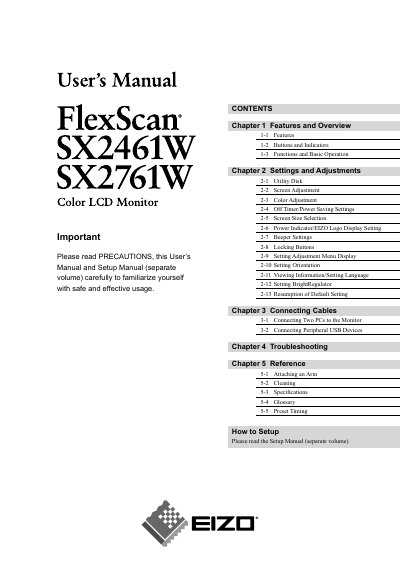
The EIZO FlexScan SX2461W (24.1 inch class) and SX2761W (27.0 inch class) are color LCD monitors with wide screen format panels, dual DVI-I inputs and HDCP support. The manual describes the buttons and indicators, basic operation and the Adjustment menu (ScreenManager).
The settings chapters cover screen adjustment for analog and digital input, FineContrast color modes, off timer and power saving, screen size, beeper, button locking and orientation. Later chapters cover connecting two PCs and USB peripherals, troubleshooting, attaching an arm, cleaning, specifications, glossary and preset timing.
| Screen size | 24.1 inch class (SX2461W) / 27.0 inch class (SX2761W) |
|---|---|
| Resolution | 1920 dots x 1200 lines |
| Horizontal scan frequency | Analog 24 - 94 kHz; Digital 31 - 76 kHz |
| Vertical scan frequency | Analog 49 - 86 Hz |
| Input connectors | Dual-input compliant (DVI-I x2 connectors) |
| HDCP | Applicable to HDCP |
| Effective pixels | 99.9994% or higher |
| Display orientation | Portrait/Landscape display available (rotate 90 degrees clockwise) |
The monitor displays 1920 dots x 1200 lines.
Blue means the screen is displayed, orange means power saving and off means power off.
Yes, the manual describes locking operation with the Adjustment Lock.
Yes, the manual covers connecting two PCs and setting which PC has display priority.