
Key facts
Start here
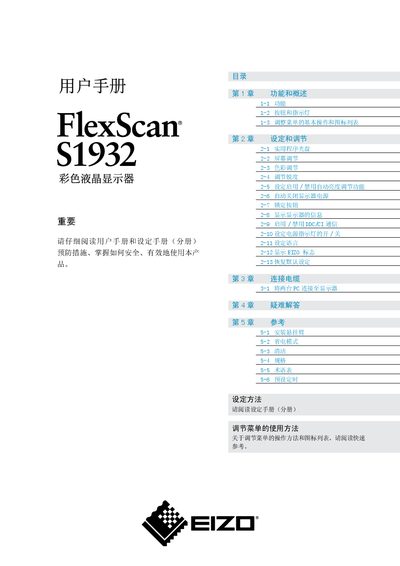
EIZO FlexScan S1932 Color LCD User Manual
This manual provides an overview of the FlexScan S1932 color LCD monitor, describing its functions, button layout, and basic menu operations. It also details how to adjust screen settings such as brightness, contrast, color, and sharpness, and how to enable or disable features like automatic brightness control and DDC/CI communication.
Additional sections cover cable connections for dual‑PC setups, mounting options, cleaning instructions, and a full specifications table. Troubleshooting tips and a glossary of terms help users resolve common issues and understand technical terminology. This manual is written in Chinese.
EIZO S1932 specifications
| Effective pixel percentage | 99.9994% or higher |
|---|---|
| Input connectors | Dual‑input (DVI‑D, D‑sub) |
| Over‑drive circuit | Enabled for clear motion pictures |
| Gamma resolution | 11‑bit |
| Built‑in speakers | Yes |
All EIZO S1932 documents by type
Day-to-day operation, settings and troubleshooting. Start here if the product is already set up.
Questions answered in these manuals
How can I restore the factory default settings?
Select the menu option “恢复默认设定” (Restore Default Settings) to reset the monitor to its factory defaults.
How do I enable or disable DDC/CI communication?
Use the menu item “2-9 启用/禁用DDC/CI 通信” to turn DDC/CI communication on or off.
How do I enable or disable DDC/CI communication?
Open the adjustment menu and select the DDC/CI icon to toggle the communication on or off.
What should I do to avoid after‑image or burn‑in on the screen?
Use a screen saver or timer so the same image is not displayed for extended periods.