
Key facts
Start here
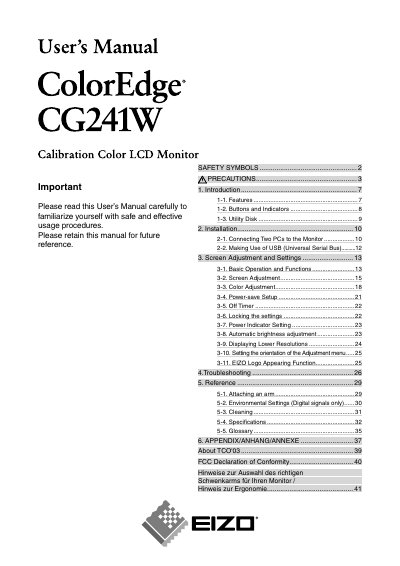
EIZO CG241W ColorEdge Monitor User Manual
This manual introduces the EIZO CG241W ColorEdge LCD monitor, covering safety symbols, product features, and basic operation. It includes detailed sections on screen adjustment, power‑save settings, and troubleshooting to help users set up and maintain the monitor safely.
Installation guidance explains how to connect two PCs, use USB functions, and attach an ergonomic arm. The reference section lists specifications such as screen size, resolution, scanning frequencies, and power requirements, while the appendix provides regulatory information and contact details for EIZO worldwide.
EIZO CG241W specifications
| Effective pixel percentage | 99.99948 % or higher |
|---|---|
| Resolution | 1920 × 1200 |
| Analog input frequency | 24‑94 kHz |
| Digital input frequency | 26‑78 kHz |
Source: Eizo CG241W User Manual
All EIZO CG241W documents by type
Day-to-day operation, settings and troubleshooting. Start here if the product is already set up.
Questions answered in these manuals
How should I clean the monitor safely?
Turn off the monitor, unplug the power cord, then clean the screen and connectors.
From: Eizo CG241W User Manual
What is the recommended power‑supply voltage range for the monitor?
The monitor can be powered from 100‑120 V or 200‑240 V at 50/60 Hz.
How many effective pixels does the LCD panel have?
The panel has 99.9994% or higher effective pixels.