
Key facts
Start here
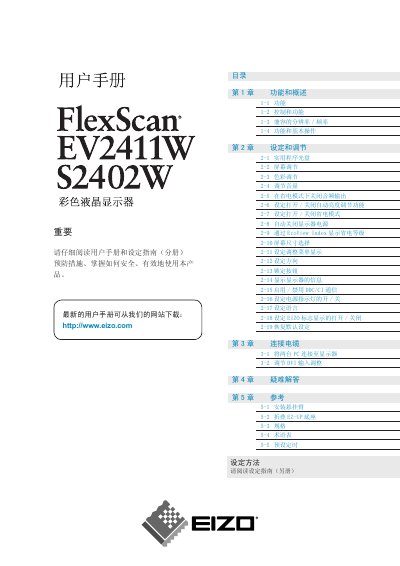
EIZO FlexScan EV2411W/S2402W Color LCD User Manual
This manual provides instructions for installing, connecting, and operating the EIZO FlexScan EV2411W and S2402W color LCD monitors. It explains the monitor’s functions, power‑saving features such as Auto EcoView, and how to adjust brightness, contrast, color temperature, and other display settings.
Safety precautions, cleaning guidelines, and troubleshooting tips are included, along with detailed specifications for resolution, power consumption, and pixel performance. The document also describes how to mount the monitor on a swivel arm and how to use the built‑in speakers and headphone jack. This manual is written in Chinese.
EIZO EV2411W specifications
| Maximum Power Consumption (EV2411W) | 43 W |
|---|---|
| Standard Power Consumption (EV2411W) | 19 W |
| Maximum Power Consumption (S2402W) | 54 W |
| Standard Power Consumption (S2402W) | 27 W |
| Resolution | WUXGA (1920 × 1200) |
| Effective Pixel Percentage | 99.9994 % or higher |
| Backlight Type | LED |
All EIZO EV2411W documents by type
Day-to-day operation, settings and troubleshooting. Start here if the product is already set up.
Questions answered in these manuals
How do I enable or disable the Auto EcoView brightness‑adjustment feature?
Use the Auto EcoView button on the monitor to turn the feature on or off, as described in the manual.
What is the maximum power consumption of the EV2411W model?
The EV2411W consumes up to 43 W at maximum brightness.
How do I enable or disable the Auto EcoView brightness‑adjustment feature?
Press the Auto EcoView button to turn the feature on or off (see section 2‑6).
What is the maximum power consumption of the EV2411W monitor?
The EV2411W uses up to 43 W at the default maximum brightness setting.