
This manual introduces how to use the display, including functions, settings, connecting cables, troubleshooting, etc.
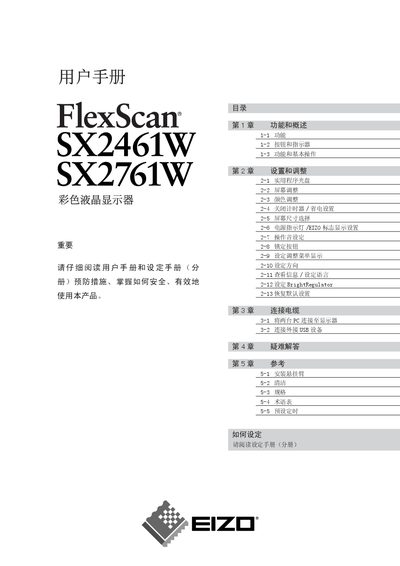
This manual provides detailed instructions for the EIZO SX2461W and SX2761W LCD monitors. It includes information on basic functions, button operations, and how to use the built‑in BrightRegulator and FineContrast features.
The guide also covers screen size selection, color adjustment, power‑saving settings, USB connectivity, mounting options, cleaning procedures, and a full specifications table. Troubleshooting tips and a glossary of terms are included to help users maintain optimal display performance. This manual is written in Chinese.
| Screen size | 24.1" (SX2461W) / 27.0" (SX2761W) |
|---|---|
| Analog horizontal scan frequency | 24 – 94 kHz |
| Digital horizontal scan frequency | 31 – 76 kHz |
| Digital vertical scan frequency | 59 – 61 Hz |
| Input connectors | Dual DVI‑I (analog & digital) |
| Brightness regulator | Built‑in BrightRegulator (auto brightness) |
Select the ‘Reset all settings’ option in the menu (see page 20).
Use the ‘Screen Size’ menu item to select a different screen size.
Enable the option ‘Turn off power indicator when screen is displayed’ in the Power Indicator settings.
Contact your dealer, as the backlight has a limited lifetime and may need replacement.