
Key facts
Start here
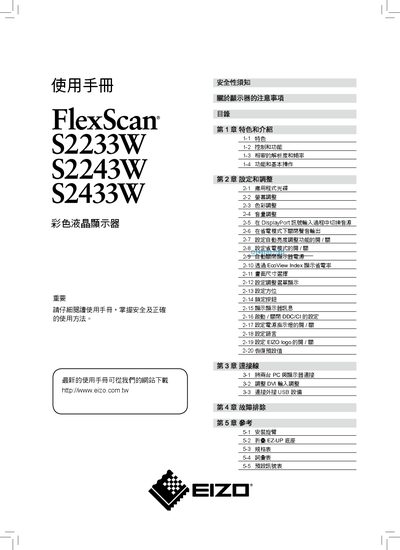
EIZO FlexScan S2233W / S2243W / S2433W Color LCD User Manual
This manual explains safe handling, installation, and operation of the EIZO FlexScan color LCD monitors. It includes safety warnings, product features, and environmental considerations.
The document covers model‑specific specifications, how to adjust brightness, contrast, color, connect PCs via DisplayPort, DVI, or D‑Sub, use built‑in speakers, and troubleshoot common issues. This manual is written in Chinese.
EIZO S2433W specifications
| Display resolution | WUXGA (1920×1200) |
|---|---|
| Maximum power consumption | 90 W |
| Typical power consumption | 40 W |
| Brightness | 120 cd/m² |
| Pixel defect rate | 99.9994 % or higher |
All EIZO S2433W documents by type
Day-to-day operation, settings and troubleshooting. Start here if the product is already set up.
Questions answered in these manuals
What is the maximum power consumption of the S2433W monitor?
The monitor’s maximum power consumption is 90 W.
Can the monitor be connected via DisplayPort?
Yes, the monitor supports DisplayPort for video and audio signals.
What cleaning agents should I avoid when cleaning the screen?
Do not use solvents such as thinners, benzene, alcohol, ethanol, or methanol on the LCD panel.
From: EIZO FlexScan S2233W / S2243W / S2433W Color LCD User Manual
Is the monitor’s power cord required to be grounded?
Yes, the device’s power must be connected to a ground line to prevent fire or electric shock.
From: EIZO FlexScan S2233W / S2243W / S2433W Color LCD User Manual