
Key facts
Start here
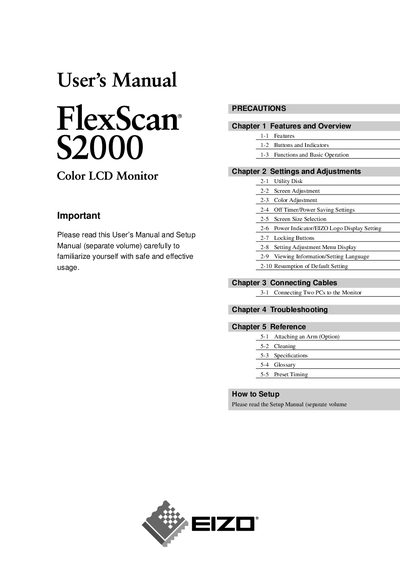
EIZO FlexScan S2000 Color LCD Monitor User Manual
This manual covers the features and overview of the FlexScan S2000 LCD monitor, including button functions, basic operation, and screen adjustments such as color, size, and power‑saving settings. It also explains how to connect multiple PCs, attach optional arms, and use the utility disk for advanced configuration.
Safety precautions, handling guidelines, and troubleshooting steps are detailed to ensure safe use and maintenance. The reference section includes cleaning instructions, specifications, a glossary, and preset timing information.
All EIZO S2000 documents by type
Day-to-day operation, settings and troubleshooting. Start here if the product is already set up.
Questions answered in these manuals
What should I do if the monitor begins to emit smoke or a burning smell?
Disconnect all power connections immediately and contact your dealer for advice.
How often should I rest my eyes while using the monitor?
Take a 10‑minute rest every hour.
How should the power cord be grounded?
The power cord must be connected to a grounded main outlet.