
Key facts
Start here
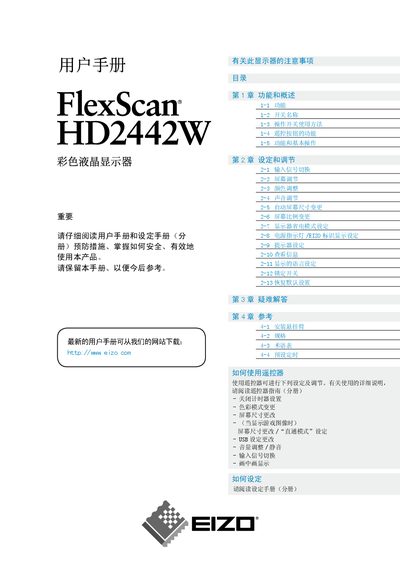
EIZO FlexScan HD2442W User Manual
This manual provides an overview of the FlexScan HD2442W’s features, including its 24.1‑inch TFT LCD panel, 1920 × 1200 resolution, DVI‑D, HDMI and USB connectivity, and ergonomic adjustments such as height‑adjustable stand and remote control functions. It also describes how to use the ScreenManager menu, picture‑in‑picture mode, and the built‑in audio system.
The guide covers setup procedures, detailed adjustment options for picture, color, and sound, power‑saving modes, and a comprehensive troubleshooting section that helps resolve common issues like no image, incorrect colors, or audio problems. Safety and cleaning instructions are included to ensure long‑term reliability. This manual is written in Chinese.
EIZO HD2442W specifications
| Screen size | 24.1 inches (610 mm) |
|---|---|
| Resolution | 1920 × 1200 |
| Panel type | TFT LCD with anti‑glare coating |
| Viewing angle | 178° vertical / 178° horizontal |
| Pixel pitch | 0.270 mm |
| Maximum power consumption (with USB devices) | 110 W |
| Energy‑saving mode power consumption | 7 W or less (no input signal) |
| Audio output | 3.5 mm stereo mini‑jack (1×) |
All EIZO HD2442W documents by type
Day-to-day operation, settings and troubleshooting. Start here if the product is already set up.
Questions answered in these manuals
Why is there no image on the screen?
Check that the power indicator is lit, verify the power cable connection, turn the monitor on, select the correct input source with the remote or the front switch, and ensure the connected AV device is powered on.
What should I do if the displayed colors are incorrect?
Open the <显示器设定> menu, select <色彩空间>, and change the color space setting, usually choosing “Auto”.
What is the native resolution of the FlexScan HD2442W?
The monitor’s native resolution is 1920 × 1200.
From: EIZO FlexScan HD2442W High-Definition Widescreen Display Product Leaflet
How many HDMI inputs does the monitor have?
It provides two HDMI input ports.
From: EIZO FlexScan HD2442W High-Definition Widescreen Display Product Leaflet