
Key facts
Start here
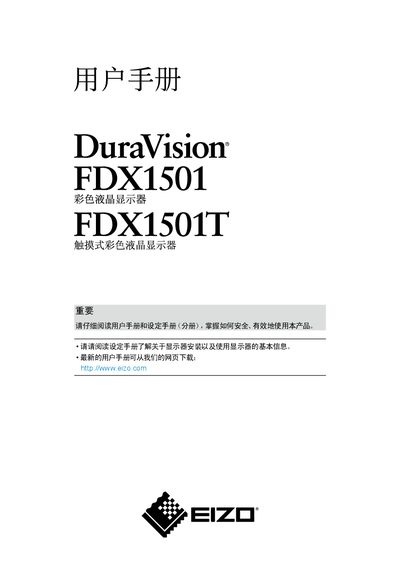
EIZO FDX1501 and FDX1501T Color LCD Monitor User Manual
The EIZO FDX1501 is a 15-inch color LCD monitor supporting 1024 × 768 resolution. The FDX1501T touchscreen variant has a resistive-film touchscreen compatible with Microsoft Windows 7, Vista, XP, and 2000. The manual says to allow the display at least 30 minutes to stabilize after power-on before making adjustments.
The document covers the EIZO LCD Utility Disk, basic controls, screen and color adjustment, FineContrast modes, input switching, power-saving settings, and monitor information. It also provides cleaning precautions, backlight-life guidance, connection instructions for multiple computers, and troubleshooting. This manual is written in Chinese.
EIZO FDX1501 specifications
| Display size | 15 inches |
|---|---|
| Supported resolution | 1024 × 768 |
| Backlight | LED backlight |
| Touchscreen | Resistive-film touchscreen on FDX1501T |
| Touchscreen operating system compatibility | Microsoft Windows 7, Vista, XP, and 2000 |
| Operating temperature | 0°C to 50°C (32°F to 122°F) |
| Operating humidity | 20% to 90% relative humidity; wet-bulb temperature below 39°C (102°F), no condensation |
Source: EIZO FDX1501 and FDX1501T Color LCD Monitor User Manual
All EIZO FDX1501 documents by type
Day-to-day operation, settings and troubleshooting. Start here if the product is already set up.
Questions answered in these manuals
Which EIZO model has the resistive-film touchscreen?
The FDX1501T has the resistive-film touchscreen; this feature is specified for FDX1501T only.
From: EIZO FDX1501 and FDX1501T Color LCD Monitor User Manual
How long should the display stabilize after power-on?
Allow the display at least 30 minutes to stabilize after switching it on before adjusting it.
From: EIZO FDX1501 and FDX1501T Color LCD Monitor User Manual
What touch panel technology does the FDX1501T use?
The FDX1501T uses a resistive technology touch panel.
How can an afterimage be avoided?
Use the screen saver or power save function when the same image will remain displayed for an extended period.