
This manual is a user manual for the EIZO FlexScan S1932 monitor. The manual introduces the features of the monitor, how to use the adjustment menu, and how to connect cables.
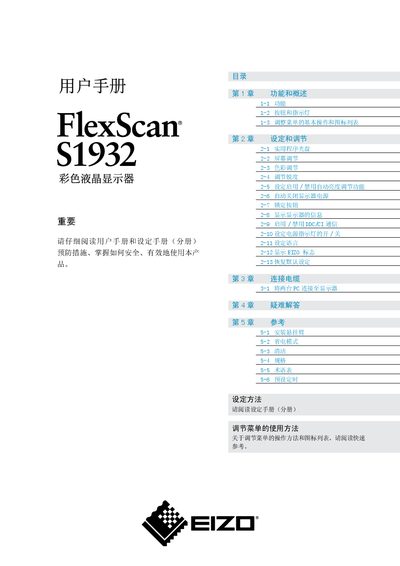
This manual provides an overview of the FlexScan S1932 color LCD monitor, describing its functions, button layout, and basic menu operations. It also details how to adjust screen settings such as brightness, contrast, color, and sharpness, and how to enable or disable features like automatic brightness control and DDC/CI communication.
Additional sections cover cable connections for dual‑PC setups, mounting options, cleaning instructions, and a full specifications table. Troubleshooting tips and a glossary of terms help users resolve common issues and understand technical terminology. This manual is written in Chinese.
| Effective pixel percentage | 99.9994% or higher |
|---|---|
| Resolution | 1280 x 1024 |
Select the menu option “恢复默认设定” (Restore Default Settings) to reset the monitor to its factory defaults.
Use the menu item “2-9 启用/禁用DDC/CI 通信” to turn DDC/CI communication on or off.