
This manual is the user's manual for the EIZO FlexScan EV2785, which introduces the basic functions and operation methods of the display
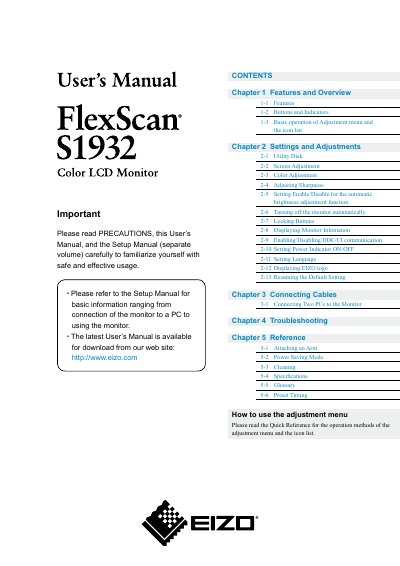
The EIZO FlexScan S1932 is a color LCD monitor. This User's Manual explains the monitor's features and controls, adjustment menu operation, screen and color settings, and connecting two PCs to the monitor. It refers readers to the separate Setup Manual for basic connection and usage information.
The manual also includes troubleshooting, arm attachment, power saving, cleaning, specifications, glossary, and preset timing sections. It notes that the monitor should be adjusted after about 30 minutes of power-on and recommends a 10-minute rest every hour when viewing.
| Input Signal | Dual-input system (DVI-D, D-sub) |
|---|---|
| Gamma Correction | 11 bit |
| Built-in Speakers | Yes |
| Effective Dots | 99.9994% or higher |
The manual advises reading PRECAUTIONS, this User's Manual, and the Setup Manual (separate volume) carefully.
About 30 minutes. The manual says to adjust the monitor 30 minutes or more after turning the power on.
Use the screen saver or power save function to avoid displaying the same image for extended periods.
The manual states 99.9994% or higher.