
Key facts
- Brand
- DELL
- Model
- AY511
- Category
- Home Speakers
- Documents
- 2
- Languages
- EN · ZH
- Last added
- 2023-11-25
Start here
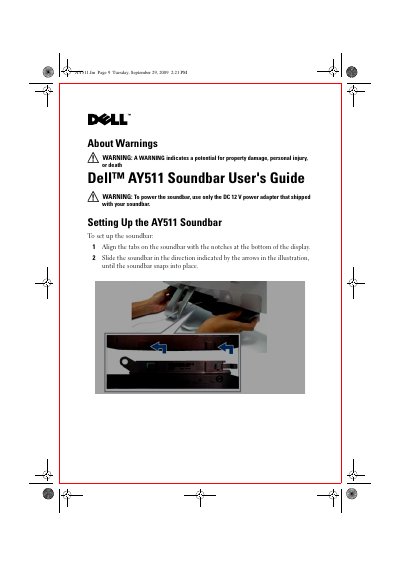
Dell AY511 Soundbar User's Guide
User Manual 12 pages · 1.8 MB · EN
This guide explains how to mount and connect the Dell AY511 Soundbar, adjust volume, use optional headphone or subwoofer connections, and enable SRS audio functions.
It also includes troubleshooting steps for no audio, distorted sound, unbalanced output, low volume, and buzzing noise.
Dell AY511 specifications
| Power supply voltage | DC 12 V |
|---|---|
| Audio input connector | Black mini stereo connector to green headphone/line‑out |
| Subwoofer output | External subwoofer connector |
Source: Dell AY511 Soundbar User's Guide
All Dell AY511 documents by type
User Manual 2
Day-to-day operation, settings and troubleshooting. Start here if the product is already set up.
Questions answered in these manuals
How do I turn on the Dell AY511 Soundbar?
Touch the power on/off control on the front panel.
How do I mute or unmute audio?
Touch the control on the front panel.
How do I turn the Dell AY511 Soundbar on?
Touch the power on/off control on the front panel after connecting the DC 12 V power adapter; the white LED will light up.
How can I increase the volume on the soundbar?
Touch the volume up control on the front panel; the LED between the speakers blinks to indicate the change.