
The Dell Networking W-7008 Controller is a wireless LAN controller that connects, controls, and intelligently integrates wireless Access Points (APs) and Air Monitors (AMs) into a wired LAN system.
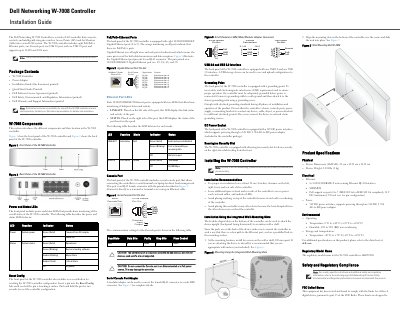
This guide explains how to install the Dell Networking W-7008 wireless LAN controller, including mounting, power, and port configurations. It details front and back panel components, LED indicators, and safety grounding requirements. The controller supports up to 16 APs and 1024 users via eight PoE/PoE+ Ethernet ports, a console port, and USB interfaces.
| Device Dimensions | 4.2 cm x 20.32 cm x 20.32 cm |
|---|---|
| Device Weight | 2.204 lbs (1 kg) |
| Ethernet Ports | 8 x 10/100/1000BASE-T auto-sensing |
| PoE Support | IEEE 802.3af or IEEE 802.3at compliant |
| Power Interface | 54V DC |
| Operating Temperature | 0° C to +40° C |
| Operating Humidity | 10% to 90% (RH) non-condensing |
It has eight PoE/PoE+ Ethernet ports, one Console port, one USB 2.0 port, and one USB 3.0 port.
It supports up to 16 APs and 1024 users.
It requires a 54V DC, 2.78A AC-to-DC power adapter.
Use the integrated wall-mounting slots and ensure at least 10 cm clearance on all sides.