
The Dell Networking W-7008 Controller is a wireless LAN controller that connects and controls wireless access points (APs) and can intelligently integrate wireless access points with atmospheric monitors (AMs) into a wireless LAN system.
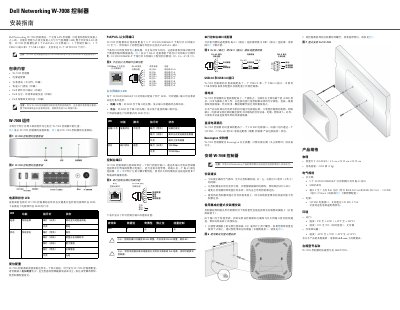
This guide provides installation instructions for the Dell Networking W-7008 controller. It details the controller's ports including 8 PoE/PoE+ ports, USB 2.0 and 3.0, and 4 RJ-45 Ethernet ports. The device supports 10/100/1000BASE-T and PoE standards. Power requirements are 54V DC or 54V DC, 2.78A AC to DC. Physical dimensions are 4.2 cm x 20.32 cm x 20.32 cm, and weight is 2.204 kg. Operating temperature range is 0°C to +40°C (32°F to +104°F).
| Power Supply | 54V DC or 54V DC, 2.78A AC to DC |
|---|---|
| Dimensions | 4.2 cm x 20.32 cm x 20.32 cm |
| Weight | 2.204 kg |
| Operating Temperature | 0°C to +40°C (32°F to +104°F) |
It requires 54V DC or 54V DC, 2.78A AC to DC.
The dimensions are 4.2 cm x 20.32 cm x 20.32 cm.