
Key facts
Start here
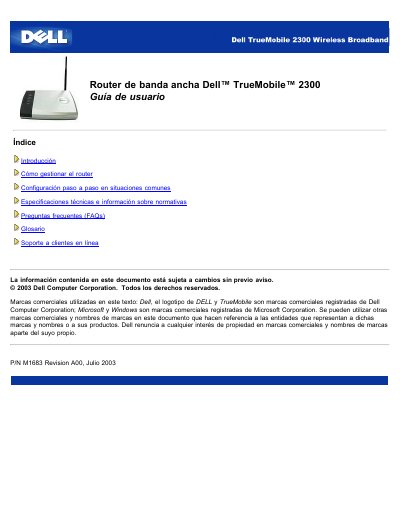
Dell TrueMobile 2300 Broadband Router User's Guide
The Dell TrueMobile 2300 is an 802.11b/g wireless access point with a built-in Internet router. It allows both wired and wireless computers to access the Internet simultaneously when connected to an xDSL or cable modem.
The device can be configured as an Internet router with built-in firewall features, a wireless hub for sharing files and printers, an Ethernet bridge, or a 4-port Ethernet switch. It supports up to 252 clients, with a maximum of 16 wireless clients. This manual is written in Spanish.
Dell TrueMobile 2300 specifications
| Wireless Standard | IEEE 802.11b, 802.11g |
|---|---|
| Maximum Clients | 252 |
| Wireless Speed | 54 Mbps |
| LAN Port Speed | 10/100 Mbps |
| Wireless Range (Indoors) | Up to 100m |
| Wireless Range (Outdoors) | Up to 450m |
| Frequency Range | 2.4 - 2.4835 GHz |
| Operating Temperature | 0° to 40° C |
| Power Input | DC 100-250 50-60 Hz |
| Data Encryption | WEP (64/128 bit) and WPA |
Source: Dell TrueMobile 2300 Wireless Broadband Router User's Guide
All Dell TrueMobile 2300 documents by type
Day-to-day operation, settings and troubleshooting. Start here if the product is already set up.
Questions answered in these manuals
What are the factory default settings for the router?
The default user name is admin, the password is admin, and the device name is my router.
From: Dell TrueMobile 2300 Wireless Broadband Router User's Guide
What is the default IP address of the router?
The default IP address is 192.168.2.1.
From: Dell TrueMobile 2300 Wireless Broadband Router User's Guide
What are the factory default login credentials?
The default username is 'admin' and the default password is 'admin'.
How can I reset the router to factory settings?
You can return the device to factory defaults by pressing the Reset button on the router.