
Key facts
- Brand
- DELL
- Model
- PowerEdge FX2s
- Category
- Servers Computer
- Documents
- 3
- Languages
- EN
- Last added
- 2023-11-24
Start here
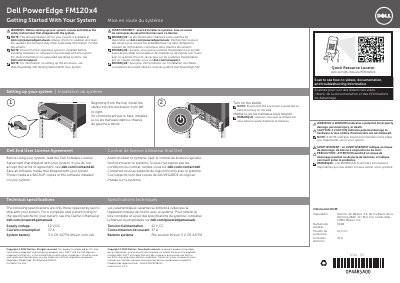
Dell EMC PowerEdge FX2 System Installation Guide
Installation Guide 2 pages · 184 KB · EN
This document provides installation instructions for the Dell PowerEdge FM120x4 system. It includes safety warnings, notes on documentation updates, and steps for setting up the system by installing sleds into the enclosure. Users are advised to install the operating system before adding non-purchased hardware or software.
Read onlineDell PowerEdge FX2s specifications
| Supply voltage | 12 V DC |
|---|---|
| Current consumption | 37 A |
| System battery | 3 V CR 2477N lithium coin cell |
All Dell PowerEdge FX2s documents by type
Installation Guide 1
Mounting, wiring and first power-up. Read it before the hardware goes in.
Product Leaflet 1
Other 1
Questions answered in these manuals
Where can I find the complete and current listing of specifications?
See the Owner's Manual at dell.com/poweredgemanuals.
What should I do before installing hardware or software not purchased with the system?
Ensure that the operating system is installed first.
Where can I find the complete and current listing of specifications?
See the Owner's Manual at dell.com/poweredgemanuals.
When should I install hardware or software not purchased with the system?
Only after ensuring that the operating system is installed.
What applications are supported in FD332 joined mode?
Mainstream DAS, dense DAS, and HADOOP.
What do the numbers in slot 0x32 represent in PERC BIOS Configuration?
3 refers to the storage sled slot number and 2 refers to controller 2.