
Key facts
Start here
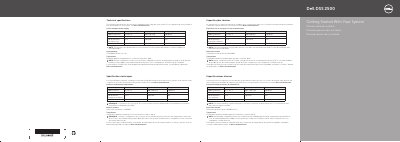
Dell DSS 2500 Server Getting Started With Your System
This multilingual getting started guide is for the Dell DSS 2500 server and includes the technical specifications required to ship with the system, plus basic setup steps such as rack installation and power connection.
It lists power supply ratings, the 3 V CR2032 lithium coin cell system battery, continuous and expanded operating temperature information, EPP power supply guidance, and where to find the complete documentation set.
Dell S2500 specifications
| Power rating | 1100 W (Platinum) |
|---|---|
| Current consumption | 12 A–6.5 A |
| Supply voltage | 100–240 V AC |
| Frequency | 50/60 Hz |
| System battery | 3 V CR2032 lithium coin cell |
| Regulatory model | E29S Series/E29S002 |
Source: Dell DSS 2500 Server User Manual
All Dell S2500 documents by type
Day-to-day operation, settings and troubleshooting. Start here if the product is already set up.
The shortest path to a working setup, usually only a few pages.
Questions answered in these manuals
How do I access the User's Guide?
Click Start → Programs → Dell Printer → Dell Laser Printer S2500 → User's Guide.
How can I order toner cartridges?
Order toner cartridges online at www.dell.com/supplies or by phone.
What is the maximum ambient temperature for continuous operation?
The maximum ambient temperature for continuous operation is 40°C.
What type of system battery is used?
The system uses a 3 V CR2032 lithium coin cell battery.
Where can I find the complete documentation for the Dell DSS 2500?
The documentation set for your system is available at Dell.com/dssmanuals.
What is the maximum ambient temperature for continuous operation?
The maximum ambient temperature for continuous operation is 40°C.