
Key facts
Start here
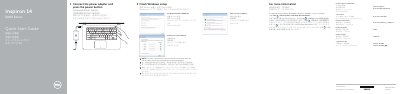
Dell Inspiron 14-5452 Quick Start Guide
Quick Start Guide 2 pages · 558 KB · EN
This document serves as a Quick Start Guide for the Dell Inspiron 14-5452 laptop. It outlines the initial setup steps, including finishing Windows setup, connecting the power adapter, and setting up a password. It also directs users on how to access Dell Help Documentation for advanced options.
Read onlineAll Dell Inspiron 14–5452 documents by type
Quick Start Guide 1
The shortest path to a working setup, usually only a few pages.
Service Manual 1
Disassembly, diagnostics and part numbers, for repair.
Questions answered in these manuals
What is the equipment model?
The equipment model is the Inspiron 14–5452.
How do you update the BIOS?
Go to dell.com/support, enter the service tag, and download the latest BIOS file from Drivers & Downloads.