
Key facts
- Brand
- DELL
- Model
- Mini 3v
- Category
- Cell Phones
- Documents
- 2
- Languages
- EN · ZH
- Last added
- 2023-11-24
Start here
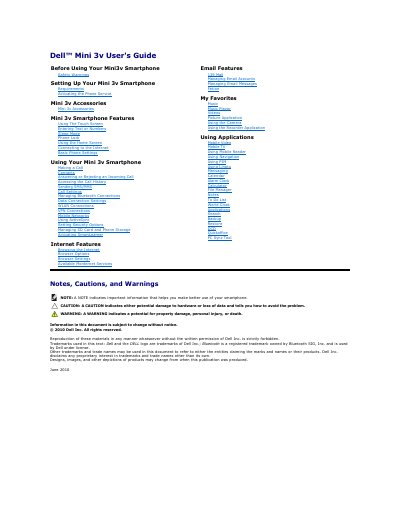
Dell Mini 3v Smartphone User's Guide
This document serves as the official user's guide for the Dell Mini 3v smartphone, published by Dell Inc. in June 2010. It provides comprehensive instructions for setting up the device, including activating service, installing the SIM and microSD cards, and charging the battery. The guide details the physical layout of the phone and explains how to use the touch screen, home screen, and various status icons.
Read onlineDell Mini 3v specifications
| Document Date | June 2010 |
|---|---|
| Copyright Holder | Dell Inc. |
| Required Port for PC Sync | USB 2.0 |
All Dell Mini 3v documents by type
Day-to-day operation, settings and troubleshooting. Start here if the product is already set up.
Questions answered in these manuals
How do I turn on the Dell Mini 3v smartphone?
Press and hold the power button for two seconds to turn on the smartphone.
What is the purpose of the proximity sensors?
They deactivate the display and touch screen when the phone is brought close to the ear during a call to save battery power.
How do I turn on the phone?
Press and hold the power button.
How do I unlock the screen?
Drag the circle on the screen to the bottom left.