
Key facts
- Brand
- DELL
- Model
- S4100-ON Series
- Category
- Network Switches
- Documents
- 3
- Languages
- EN
- Last added
- 2026-10-13
Start here
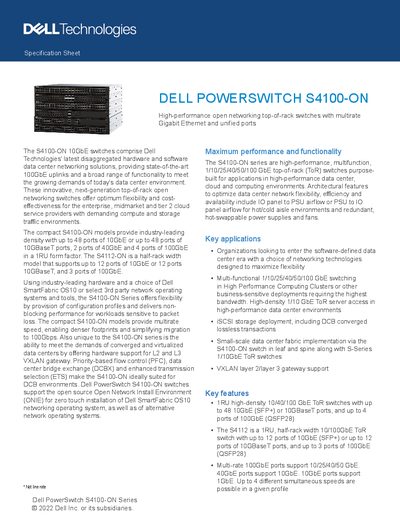
Dell PowerSwitch S4100-ON Series Specification Sheet
The Dell PowerSwitch S4100-ON Series comprises high-performance, multifunctional top-of-rack (ToR) switches designed for data center, cloud, and computing environments. These open networking switches offer flexible port configurations ranging from 12 to 48 ports of 10GbE or 10GBaseT, alongside up to four ports of 100GbE in a compact 1RU form factor.
Read onlineDell S4100-ON Series specifications
| Form Factor | 1RU |
|---|---|
| Switching Fabric (S4148F-ON) | 1.76Tbps |
| Switching Fabric (S4128F-ON) | 960Gbps |
| Switching Fabric (S4112F-ON) | 840Gbps |
Source: Dell PowerSwitch S4100-ON Series Specification Sheet
All Dell S4100-ON Series documents by type
Ratings, dimensions and ordering codes, for selection and design work.
Mounting, wiring and first power-up. Read it before the hardware goes in.
Questions answered in these manuals
Does the S4100-ON series support VXLAN gateway functionality?
Yes, it offers hardware support for L2 and L3 VXLAN gateway.
What is the maximum switching capacity of the S4148F-ON and S4148T-ON models?
The S4148F-ON and S4148T-ON models have a maximum switching capacity of 1.76Tbps.
What safety precautions should I take when installing the S4100-ON Series?
Always wear an ESD-preventive wrist or heel ground strap. Only trained and qualified personnel should install the equipment. Disconnect both power cords before servicing.
What is the recommended continuous temperature range for installing the S4100–ON Series switch?
The switch must be installed in an environment where the continuous temperature range is from 50° to 104°F (from 5° to 40°C).
What installation procedures does the guide cover for the S4100-ON Series switch?
It provides site preparation recommendations and step-by-step procedures for rack mounting and desk mounting, inserting modules, and connecting to a power source.
Where can the S4100-ON Series switch be installed?
It can be installed in network telecommunication facilities, data centers, and other locations where the National Electric Code (NEC) applies.