
Key facts
- Brand
- Casio
- Model
- FX-220
- Documents
- 2
- Languages
- JA · ZH
- Last added
- 2012-03-13
Start here
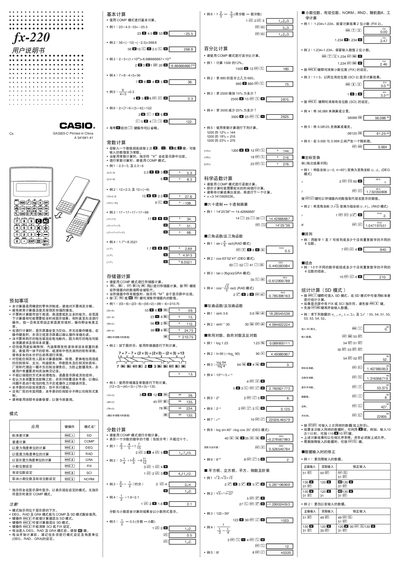
Casio fx-220 Calculator User Manual
This manual explains how to operate the Casio fx-220 calculator, covering its various calculation modes such as DEG, RAD, GRA, COMP, SD, FIX, SCI and NORM. It describes basic arithmetic, fraction, percentage, and scientific calculations, as well as special functions and register usage.
Physical details are also listed, including operating temperature (0 °C‑40 °C), dimensions (10 mm × 71 mm × 134 mm), weight (67 g with batteries) and battery type (two G13/LR44 cells). Safety warnings and maintenance instructions are provided to ensure reliable use. This manual is written in Japanese.
Casio FX-220 specifications
| Operating temperature | 0 °C‑40 °C |
|---|---|
| Dimensions (H × W × D) | 10 mm × 71 mm × 134 mm |
| Weight (including batteries) | 67 g |
| Battery type | 2 × G13 (LR44) |
| Number of registers | 6 |
All Casio FX-220 documents by type
Day-to-day operation, settings and troubleshooting. Start here if the product is already set up.
Questions answered in these manuals
What batteries does the fx-220 use?
It uses two G13 (LR44) batteries.
How many registers are available in the calculator?
The calculator provides six registers for storing intermediate results.
How can I adjust the display contrast?
Press the contrast button repeatedly until the desired contrast level appears on the screen.
From: Casio fx-82MS/fx-82SX PLUS/fx-85MS/fx-220 PLUS/fx-300MS/fx-350MS User Manual
How are statistical calculations performed?
Select the SD or REG mode, input the data points as instructed, and then use the appropriate function keys to compute averages, regressions, and other statistics.
From: Casio fx-82MS/fx-82SX PLUS/fx-85MS/fx-220 PLUS/fx-300MS/fx-350MS User Manual