
Yaskawa FS100 Maintenance Manual

The Yaskawa FS100 Maintenance Manual provides safety guidelines, inspection procedures, part replacement steps, and system diagnostics for the controller.
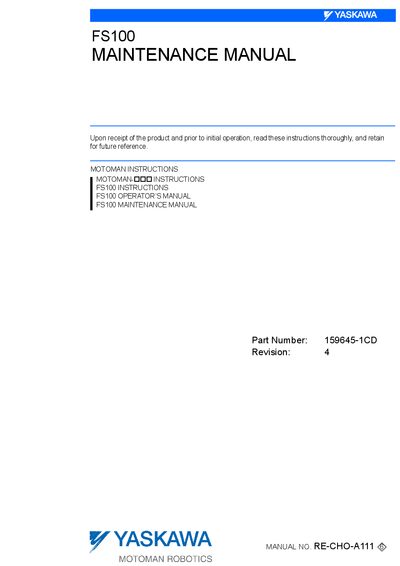

Yaskawa FS100 Maintenance Manual - cover page
Brand
YASKAWA
Category
Industrial Robot
Document type
Service Manual
Language
English
Pages
331
File format
PDF
File size
10.4 MB
Published
28 September, 2026
Updated
28 September, 2026
MD5 checksum
1483D679E0CF0AA1ECAAFF9EAC9F177F

About this manual

This manual explains the maintenance procedures for the FS100 controller, including safety precautions, daily inspections, and detailed instructions for replacing parts such as fuses, fans, and batteries. It also lists recommended spare parts and describes post‑replacement operations like home‑position calibration.

The document contains sections on equipment configuration, security system settings, system diagnosis, LED indicator meanings, and troubleshooting of system errors. It is intended for service technicians who need to keep the robot system operating safely and reliably.

What's inside

  • Equipment Configuration
  • Security System
  • Maintenance and Inspections
  • Preparation before Replacing Parts
  • Replacing Parts
  • Recommended Spare Parts
  • Operations After Replacing Parts
  • System Diagnosis
  • LED Indicator on Each Circuit Board
  • System Error Handling

Specifications

Power LED color (Machine Safety Board)Green when control power is ON

Frequently asked questions

What must be checked before operating the manipulator?

You must verify that the servo power is turned OFF by pressing the emergency stop button before operating the manipulator.


Error codes in this manual

This manual explains 231 error codes. Open a code for its meaning, causes and what to do:

8910111213105311001101110211031104110516741684168516861833183418351836183718381839184018414000400140024004

All error codes of this product →

Download PDF (10.4 MB)

More YASKAWA Manuals


View all YASKAWA manuals →