
This product is a wireless optical mouse compatible with Bluetooth 5.0 wireless technology.
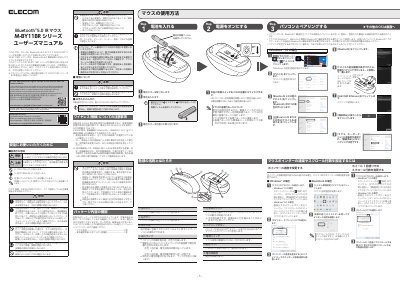
This manual provides instructions for the ELECOM M-BY11BR Series, a wireless optical mouse compatible with Bluetooth 5.0 technology. It details the product's features, including the left and right buttons, scroll wheel, LED indicator, optical sensor, pairing button, and power switch. The document explains how to install batteries and pair the device with a computer running Windows 10. This manual is written in Japanese.
| Wireless Technology | Bluetooth®5.0 |
|---|---|
| Wireless Band | 2.4GHz |
| Modulation | GFSK |
| Interference Distance | 10m |
| Battery Type | AA Alkaline/Manganese/NiMH |
The interference distance is 10 meters.
No, using it on glass or mirrors may cause the optical sensor to malfunction.
No, the product is not waterproof and should not be exposed to liquids.