
User's Manual for e-Mesh dedicated relay, which introduces the basic setup methods and precautions for e-Mesh dedicated relay.
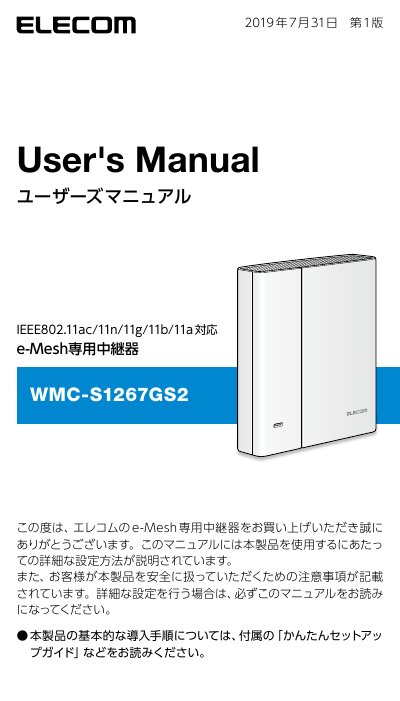
This manual provides detailed instructions for setting up and using the ELECOM WMC-S1267GS2 e-Mesh relay. It explains how to connect the device to an e-Mesh compatible router using the WPS button or LAN cable, and how to access the management interface via a web browser. The guide also covers firmware updates and troubleshooting common connection issues. This manual is written in Japanese.
| Wireless Standards | IEEE 802.11ac/11n/11g/11b/11a |
|---|---|
| Default Login Name | admin |
| Default Password | Random alphanumeric string |
| MU-MIMO Support | Yes (up to 2 terminals) |
You can connect by pressing the WPS button on both devices or by using a LAN cable.
The default login name is 'admin'.