
Japanese user manual for the ELECOM ESD-EWA Series external SSD, covering specifications, warranty rules, safety notes and connection steps for Windows…
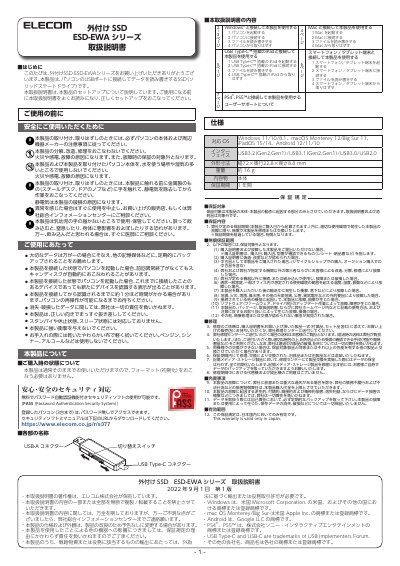
This is the Japanese user manual for the ELECOM external SSD ESD-EWA Series, a solid-state drive that is connected to a computer's USB port to read and write data. The document gives the product specifications, the warranty terms, safety precautions and notes on use, and explains that the drive can be used as purchased without formatting.
The manual then describes the parts of the drive and gives step-by-step connection and removal procedures for Windows computers, Mac, iPad models with USB Type-C, smartphones and tablet devices, and PS4/PS5. It also mentions the free PASS (Password Authentication Security System) security software that can be downloaded from the ELECOM website and registered on up to three computers. This manual is written in Japanese.
| 対応 OS | Windows 11/10/8.1、macOS Monterey 12/Big Sur 11、iPadOS 15/14、Android 12/11/10 |
|---|---|
| インターフェイス | USB3.2 (Gen2, Gen1) / USB3.1 (Gen2, Gen1) / USB3.0 / USB2.0 |
| 外形寸法 | 幅 72 × 奥行 22.8 × 高さ 8.8 mm |
| 重量 | 約 16 g |
| 保証期間 | 1 年間 |
No. The manual states the product can be used as purchased and does not need to be formatted (initialized).
The product has a one-year warranty period counted from the purchase date.
Windows 11/10/8.1, macOS Monterey 12 and Big Sur 11, iPadOS 15/14, and Android 12/11/10 are listed as supported.