
Key facts
- Brand
- Elecom
- Model
- M-BY11BR
- Category
- Mouse keyboard
- Documents
- 2
- Languages
- JA
- Last added
- 2023-11-18
Start here
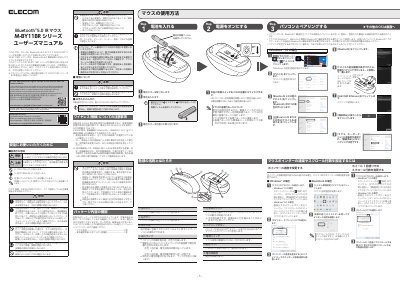
ELECOM M-BY11BR Series Wireless Mouse User Manual
This manual provides instructions for the ELECOM M-BY11BR Series, a wireless optical mouse compatible with Bluetooth 5.0 technology. It details the product's features, including the left and right buttons, scroll wheel, LED indicator, optical sensor, pairing button, and power switch. The document explains how to install batteries and pair the device with a computer running Windows 10. This manual is written in Japanese.
Read onlineELECOM M-BY11BR specifications
| Wireless Technology | Bluetooth®5.0 |
|---|---|
| Wireless Band | 2.4GHz |
| Modulation | GFSK |
| Interference Distance | 10m |
| Battery Type | AA Alkaline/Manganese/NiMH |
All ELECOM M-BY11BR documents by type
Day-to-day operation, settings and troubleshooting. Start here if the product is already set up.
Questions answered in these manuals
What is the interference distance for this mouse?
The interference distance is 10 meters.
Can I use this mouse on glass or mirrors?
No, using it on glass or mirrors may cause the optical sensor to malfunction.
How do I pair the mouse with my computer?
Press and hold the pairing button for 2-3 seconds until the LED blinks red. Then go to Bluetooth settings on your computer and select 'ELECOM IR Mouse' to connect.
What should I do if the mouse stops working?
Check for battery issues, remove and reinsert batteries, or consult the manual for troubleshooting steps. Do not attempt to open or repair the device yourself.