
User manual for the ELECOM M-HT1DR/HT1DR wireless trackball mouse, covering battery installation, PC connection, operating modes, and technical specifications.
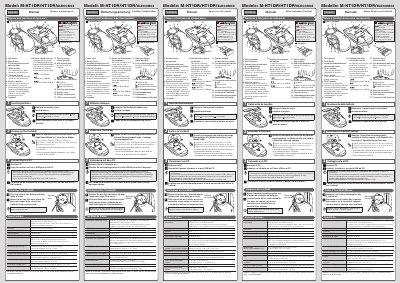
This document serves as the user manual for the ELECOM M-HT1DR/HT1DR wireless trackball mouse. It provides instructions on how to install batteries, connect the device to a PC via USB, and operate the trackball. The manual details the different operating modes, specifically Low Power Mode and High Speed Mode, and explains how to switch between them using a selection switch.
| Resolution | 500/1000/1500 dpi (switchable) |
|---|---|
| Interface | USB |
| Radio frequency | 2.4 GHz |
| Radio wave method | GFSK modulation |
| Radio wave outreach (non-magnetic) | approx. 10 m |
| Radio wave outreach (magnetic) | approx. 3 m |
| Operating temperature | 5°C to 40°C |
| Storage temperature | -10°C to 60°C |
| Batteries | AA alkaline, AA manganese, or AA NiMH |
| Continuous operating time (Low Power Mode) | approx. 235 hours |
| Continuous operating time (High Speed Mode) | approx. 137 hours |
| Continuous standby time | approx. 1851 days |
| Estimated battery life (Low Power Mode) | approx. 534 days |
| Estimated battery life (High Speed Mode) | approx. 325 days |
The mouse supports Windows 10, 8.1, RT8.1, 7, Vista, and macOS Sierra 10.12.
Slide the operation mode selection switch to L for Low Power Mode or H for High Speed Mode.
The light behind the tilt wheel will blink in red for a few seconds.