
This document is a user manual for ELECOM wireless LAN broadband router. It describes how to set up and use the product.
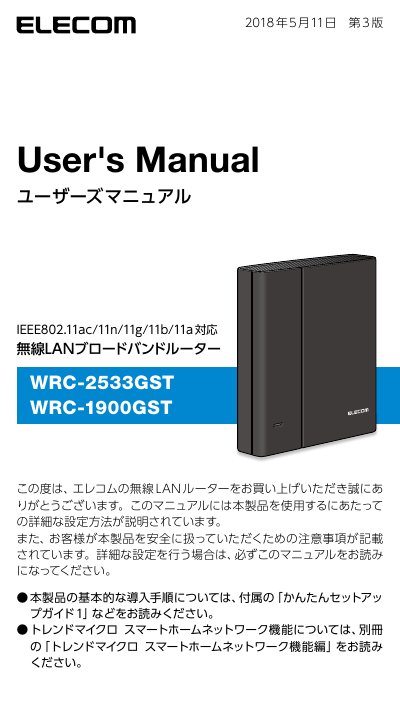
This manual provides detailed instructions for setting up and using the ELECOM WRC-1900GST and WRC-2533GST wireless LAN broadband routers. It covers basic introduction procedures, connecting to the internet in router mode, and configuring various operating modes such as repeater, bridge, and access point. This manual is written in Japanese.
| Wireless Standards | IEEE 802.11ac/11n/11g/11b/11a |
|---|---|
| Model Numbers | WRC-1900GST / WRC-2533GST |
It automatically detects the type of internet connection line (PPPoE, DHCP, Fixed IP) and sets the appropriate method without manual selection.
You can use the 'Kodomo Net Timer' function to limit internet connection time on devices like game consoles and smartphones on a daily basis.