
Key facts
Start here
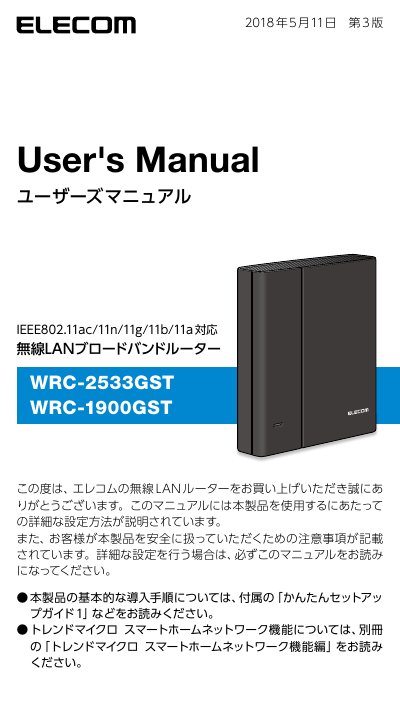
ELECOM WRC-1900GST/WRC-2533GST Wireless LAN Router User Manual
This manual provides detailed instructions for setting up and using the ELECOM WRC-1900GST and WRC-2533GST wireless LAN broadband routers. It covers basic introduction procedures, connecting to the internet in router mode, and configuring various operating modes such as repeater, bridge, and access point. This manual is written in Japanese.
Read onlineELECOM WRC-2533GST specifications
| Wireless Standards | IEEE802.11ac/11n/11g/11b/11a |
|---|---|
| WPS Function | Push-button and PIN methods |
| Modes | Router, Repeater, Access Point |
| Security | WPA2-PSK |
| IPv6 Passthrough | Enabled by default |
Source: ELECOM Wireless LAN Router WRC-2533GST WRC-1900GST User Manual
All ELECOM WRC-2533GST documents by type
Day-to-day operation, settings and troubleshooting. Start here if the product is already set up.
Questions answered in these manuals
What is the 'Omakase Connection' feature?
It automatically detects the type of internet connection line (PPPoE, DHCP, Fixed IP) and sets the appropriate method without manual selection.
From: ELECOM WRC-1900GST/WRC-2533GST Wireless LAN Router User Manual
How can I limit my child's internet usage?
You can use the 'Kodomo Net Timer' function to limit internet connection time on devices like game consoles and smartphones on a daily basis.
From: ELECOM WRC-1900GST/WRC-2533GST Wireless LAN Router User Manual
How do I connect my devices to the router wirelessly?
You can connect using WPS push-button or PIN methods, or manually configure the wireless settings.
From: ELECOM Wireless LAN Router WRC-2533GST WRC-1900GST User Manual
What modes can this router operate in?
It can operate as a router, repeater, or access point, allowing flexible network configurations.
From: ELECOM Wireless LAN Router WRC-2533GST WRC-1900GST User Manual