
This manual introduces the basic functions and usage methods of EWS357AP v3/ECW220 v2 wireless AP, including hardware installation, network configuration and wireless settings.
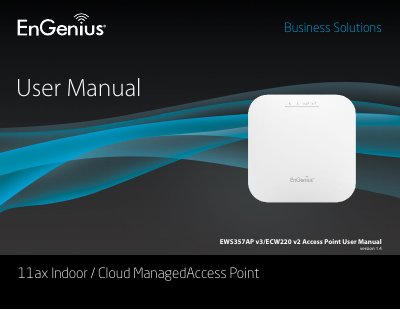
The EnGenius EWS357AP v3/ECW220 v2 is a dual-band wireless 802.11ax/ac/a/b/g/n access point that can operate in Managed mode or Stand-alone mode for business networks.
This user manual provides instructions for hardware installation, mounting, web configuration, wireless network setup, status monitoring, network settings, wireless settings, and device management.
| Wireless standard | IEEE802.11ax/b/g/n on 2.4 GHz |
|---|---|
| Antenna | Integrated Omni-directional antennas |
| Ethernet port | 1 x 10/100/1000 Ethernet Port with PoE support |
| Power requirement | DC12V/1.5A adapter |
| Operating temperature | 0 °C to 40 °C (32 °F to 158 °F) |
| Storage temperature | -40 °C to 80 °C (-40 °F to 176 °F) |
| Humidity | 90% or less |
A computer with Ethernet or wireless capability, a Windows/Mac/Linux operating system, and a web browser are required.
The package includes the Access Point, ceiling mount bases, a mounting screw kit, and a Quick Installation Guide.
It offers WPA2 Personal (AES) and WPA2 Enterprise encryption.
It supports Managed Mode and Stand-alone Mode.