
This user manual introduces the features and functions of ENH500 wireless AP/client bridge, including package contents, system requirements, hardware overview, LED indicators, installation instructions, wireless network modes, configuring your computer for TCP/IP, status, system, wireless configuration and more.
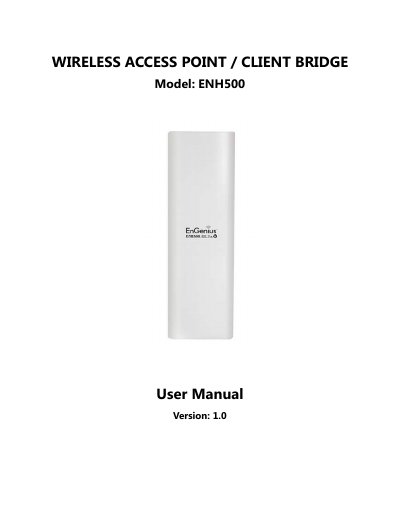
The EnGenius ENH500 is a business-class wireless device supporting 802.11a/n standards with speeds up to 300 Mbps. It functions as an Access Point, Client Bridge, WDS bridge, or Client Router, featuring internal directional antennas and proprietary Power over Ethernet (PoE) support for flexible outdoor installation.
The manual provides detailed instructions on hardware setup, configuring various network modes including Access Point with multiple SSIDs, security settings like WPA2/WEP, LAN routing options such as PPPoE/PPTP, and management features via a web interface. It also includes troubleshooting guides and specific specifications for the device's RF performance.
| Data Rate | Up to 300 Mbps |
|---|---|
| Frequency Band | 5GHz (802.11a) |
| Antenna Type | Internal Directional 13dBi |
| Memory | 32 MB Flash, 8 MB |
| Security Protocols | WEP (64/128/152 bit), WPA/WPA2 Personal, WPA/WPA2 Enterprise |
The device supports a high-speed data rate of up to 300 Mbps.
Yes, it uses a proprietary PoE design and includes a PoE injector for flexible installation.
It supports WEP (64/128/152 bit), WPA/WPA2 Personal, and WPA/WPA2 Enterprise.
The device can operate in Access Point, Client Bridge, WDS Bridge, and Client Router modes.