
This quick installation manual introduces the hardware connection, network setting and other installation steps of EOC5611p, and details the device's working mode, AP, Client Bridge and WDS Bridge setting items.
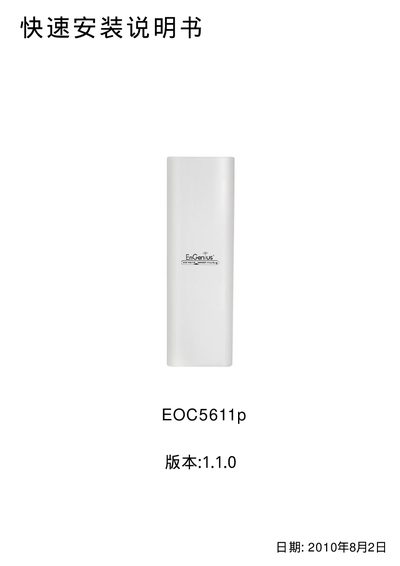
The guide begins with a hardware overview, describing the built‑in/external antenna switch, SMA antenna connector, and the Reset button. It explains how to connect power and Ethernet cables and how to select the appropriate antenna configuration.
Next, it details network settings, including the default LAN IP (192.168.1.1) and subnet mask (255.255.255.0), how to assign a static IP, and how to log into the web interface. The document also walks through selecting one of four operation modes—Access Point, Client Bridge, WDS Bridge, or Client Router—and configuring SSID, channel, encryption, and power settings. This manual is written in Chinese.
| Default LAN IP address | 192.168.1.1 |
|---|---|
| Default subnet mask | 255.255.255.0 |
| Antenna options | Internal (INT) or external (EX) antenna |
| Antenna connector | SMA |
| Reset button function | Hold 10 seconds while powered on to restore defaults |
| Supported operation modes | Access Point, Client Bridge, WDS Bridge, Client Router |
| WDS Bridge encryption | WEP only |
Press and hold the Reset button for 10 seconds while the device is powered on.
The default LAN IP address is 192.168.1.1.
You can choose Access Point, Client Bridge, WDS Bridge, or Client Router in the Operation Mode menu.
Only WEP encryption is supported in WDS Bridge mode.