
Quick installation guide for the EnGenius EWS Series Wireless Management Switch, covering setup, rack mounting, and AP management.
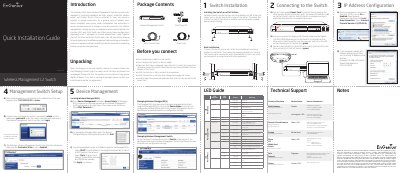
This document serves as a Quick Installation Guide for the EnGenius EWS Series Wireless Management Switches. It provides essential information on initial setup, including unpacking, connecting power and Ethernet cables, and verifying LED indicators for power and link status. The guide also details the process for rack mounting the switch using included brackets.
| Data Rate Standard | IEEE 802.3ab |
|---|---|
| Switching Capability | Fully-managed L2 |
| Power Support | PoE+ |
| Ethernet Port Speed | 10/100/1000 Mbps |
| Rack Mount Standard | EIA standard size, 19-inch |
Do not place heavy objects on the Switch, do not expose it to direct sunlight, and ensure adequate space (at least 2 inches) for heat dissipation.
Connect the supplied Power Cord and verify that the Power LED indicator is lit on the EWS Switch.
A green solid Light on the Power LED indicates that the Power is On.