
This document is the user manual for EWS377AP v3/ECW230 v3 indoor access point, which introduces the features, installation methods and configuration methods of the product.
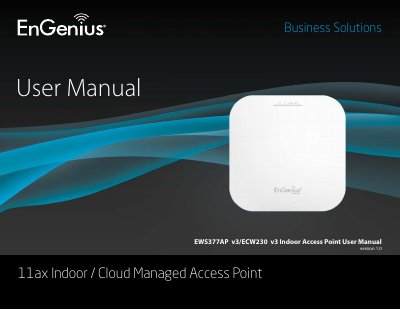
The EnGenius EWS377AP v3 and ECW230 v3 are dual-band indoor access points supporting IEEE 802.11ax/ac/a/b/g/n standards with speeds up to 1,148 Mbps on 2.4GHz and 2,400 Mbps on 5GHz. These devices feature MU-MIMO, Tx Beamforming, and 1024-QAM technology to provide high performance and extended coverage for business environments. They can operate in Managed or Stand-alone modes and are compatible with EnGenius ezMaster and EWS Management switch for system-wide control.
| Wireless Standards | IEEE802.11ax/ac/a/b/g/n |
|---|---|
| Max Data Rate (2.4GHz) | 1,148 Mbps |
| Max Data Rate (5GHz) | 2,400 Mbps |
| Antenna Type | Integrated Omni-directional |
| Ethernet Port | 1 x 10/100/1000/2500 |
| Power Requirement | DC12V/ 2A |
| Operating Temperature | 0 °C to 40 °C |
You need a computer with an Ethernet interface or wireless capability, a compatible OS (Windows XP/7/8/10, Mac OS, or Linux), and a web browser.
Yes, the device supports WPA3 Personal and WPA3 Enterprise encryption standards.
Yes, it supports system-wide management over EnGenius ezMaster and EWS Management switch without licensing fees.